How to change your Exness IB: steps, conditions and a message template
Switching partners at Exness is an official request through support. It takes about 24 hours, and what moves is a new account, not your old one.
In short
What to know first
People usually switch because the old partner went silent, the rebate was never clear, or the group died. Any reason is fine. Exness only asks for a short reason on the form.
The part that surprises most people is that existing MT4/MT5 accounts do not move. Once the request is approved, you open a new trading account, and that new account is the one recorded under the new partner.
| Subject | Property | Value | Source |
|---|---|---|---|
| Exness IB change | channel | live chat or support email | partner experience |
| Exness IB change | processing time | about 24 hours | partner experience |
| Old trading account | after the switch | stays with old partner | partner experience |
| Exness IB change | cost | free | partner experience |
Step by step
Change your Exness IB in 4 steps
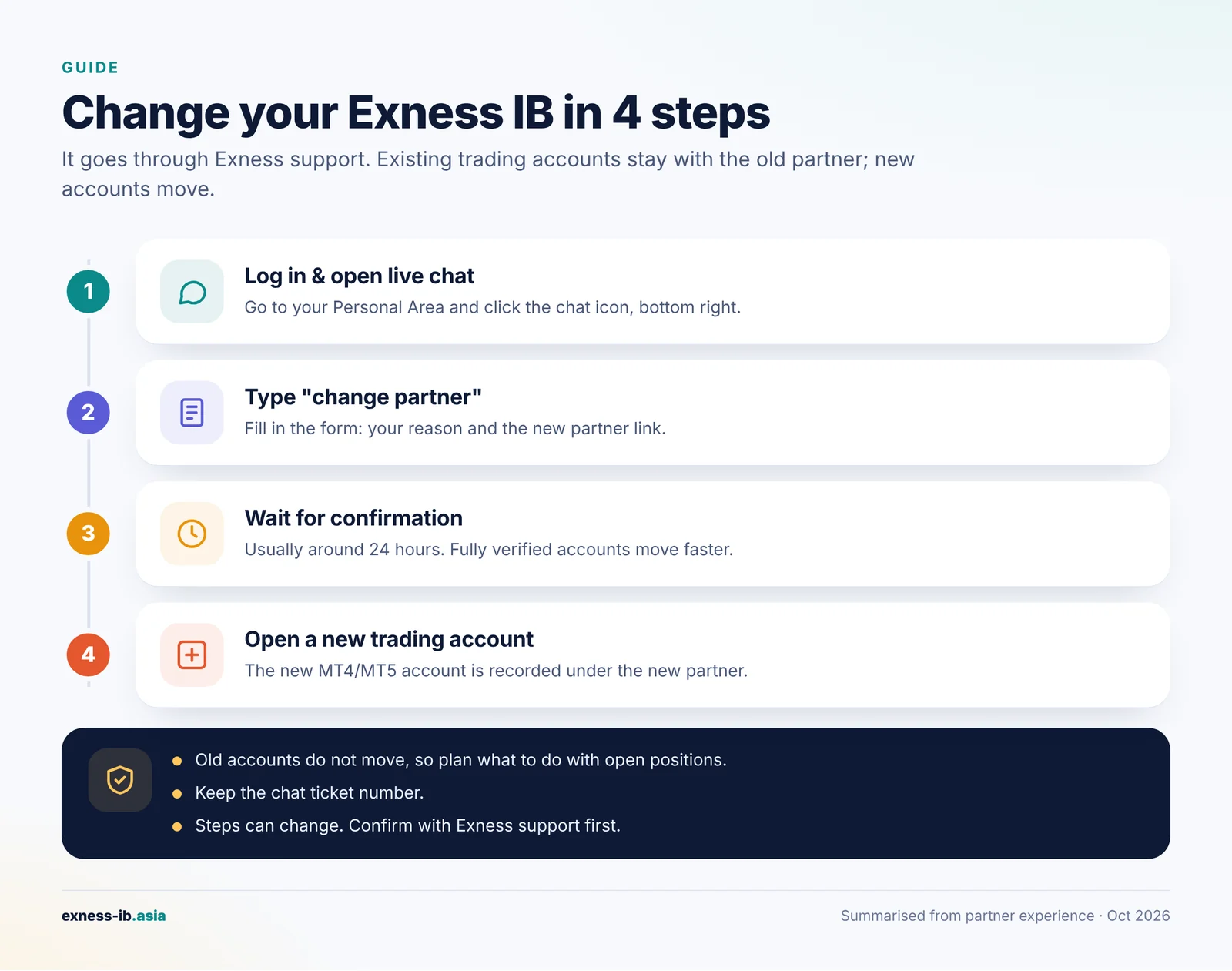
- Log in to your Personal Area on exness.com or in the app and open live chat (bottom right).
- Type "change partner". The bot sends a form. Add your reason and the new partner link.
- Wait for confirmation by chat or email. It usually takes about 24 hours.
- Open a new trading account once approved. It will be recorded under the new partner.
If the bot doesn't show the form, email Exness support from your registered address. Include your account number, the new partner link and your reason.
Message template for support
Hello, I would like to change my partner (IB).
Account number: ________
New partner link: ________
Reason: I want support in my language.
Common traps
What slows the process down
- Verification not finished. Complete your ID and address checks first.
- Partner link copied wrong. Ask the new partner to send it in chat rather than typing it out.
- Carrying on in the old account. Trades there still earn commission for the old partner.
- Opening a second Exness profile with another email. Exness may treat it as a duplicate profile and block it. The official route is safer.
Want to switch to our team?
Ask for our partner link on Telegram, then follow the steps above. If you get stuck, send a screenshot and we'll help.
FAQ
Questions about changing IB
Is changing IB on Exness free?
Yes. Exness doesn't charge for switching partners.
Does my balance move too?
Not automatically. The old account stays open with its balance. You can withdraw from it and deposit to the new account, or use an internal transfer in the Personal Area if it is available to you.
How long does it take?
Usually about 24 hours. Fully verified accounts tend to move faster.
How do I find out who my current IB is?
Ask Exness support. For privacy reasons they only share the partner's account number, not personal details.
Why was my request rejected?
The usual reasons are an unverified account, a mistyped partner link or a blank reason field. Fix the problem and submit the request again.
Updated 20 October 2026. Written by an independent partner, not by Exness.